
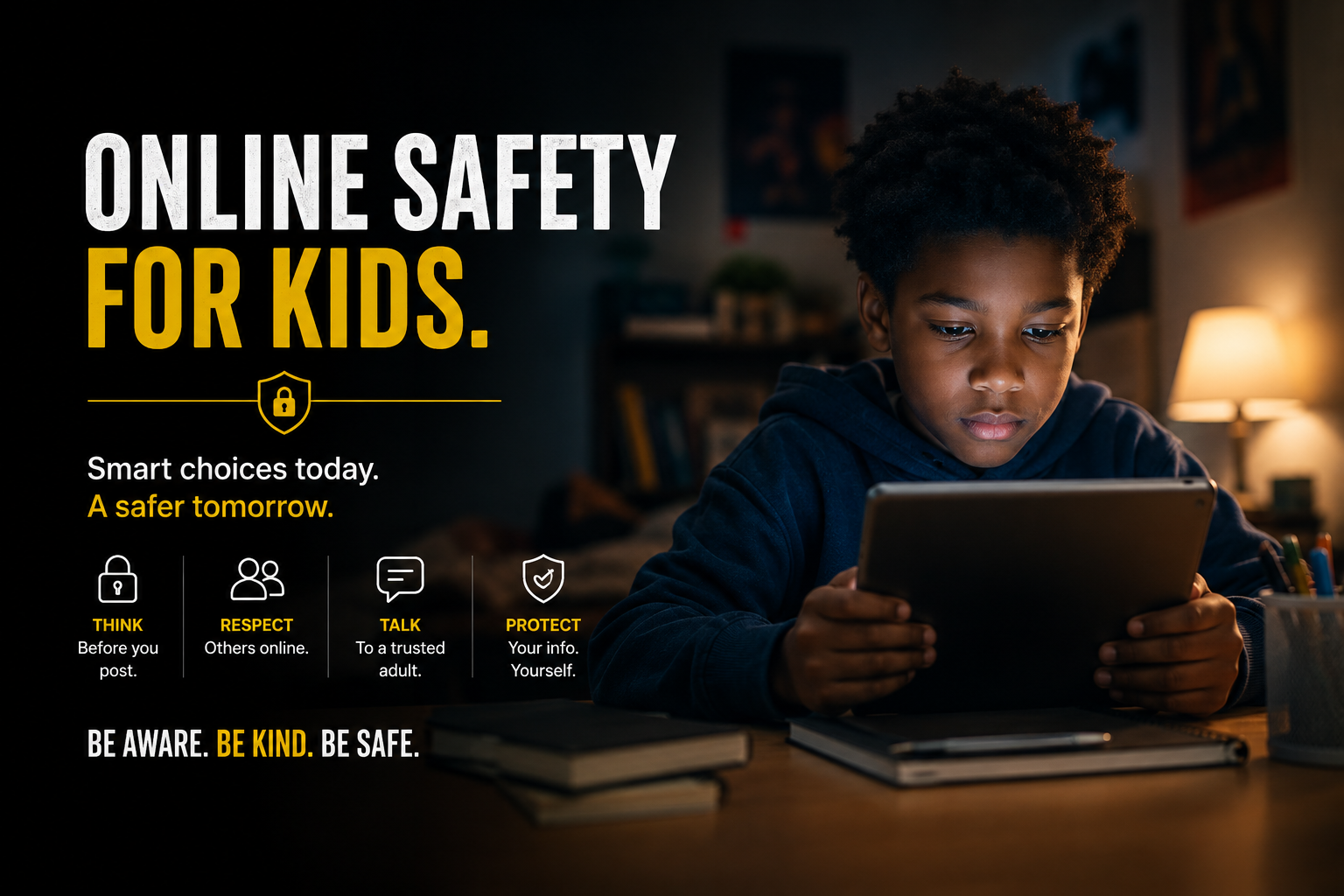
Online Safety
Online Safety for Kids
Children are online earlier and for longer than most adults realize, and the risk is rarely a stranger jumping out of the dark. It is a slow build: a friendly message in a game, a request to move to another app, a photo that seemed harmless. This page covers what is actually happening, what to set up, and what to watch for.
Where It Actually Happens
Anywhere a child can be messaged, a child can be reached. That is a much wider list than most parents picture.
Games with Chat
Voice and text chat inside games is the most common first contact. It feels like play, not conversation with an adult.
Social Apps
Comments, direct messages, and follow requests from accounts your child does not know in person.
Disappearing Messages
Apps where messages vanish are attractive to anyone who does not want a record of what they said.
Video and Livestreams
Live comments arrive faster than anyone can moderate, and requests can be made in real time.
What to Set Up
Settings are not a substitute for conversation, but they cut down the number of strangers who can reach your child in the first place.
Set accounts to private
A private account means strangers cannot see posts, friend lists, or photos without being approved first.
Turn off chat with strangers in games
Most consoles and games can limit chat to approved friends only. This single setting removes the most common route in.
Turn off location sharing
Check both the app's own settings and the phone's. Photos can carry location data even when the app does not.
Charge devices outside the bedroom
Late night, alone, is when children are most likely to answer someone they should not. A shared charging spot handles this without a confrontation.
Signs Something Is Wrong
One of these on its own may mean nothing. Several together are worth a calm conversation.
Hides or turns the screen away when you walk in
New accounts, or apps you did not know about
Talks about an online friend they cannot explain meeting
Gifts, money, game currency, or a phone from an unclear source
Withdrawn, anxious, or angry after being online
Sudden secrecy about who they are talking to
If Something Has Already Happened
Start by telling your child they are not in trouble. Children stay silent because they expect to lose the phone or be blamed, and that silence is exactly what an adult targeting them is counting on.
Do not delete the messages. Screenshots, usernames, and the app it happened on are what an investigator needs. Then report it — to the platform, and to your local police. If a child is in immediate danger, call 911.
You do not need proof
You are not expected to investigate. Reporting a concern is enough — trained people take it from there.
Important Disclaimer
This page is for informational purposes only. If you or someone you know is in immediate danger, call 911 or your local emergency number.